

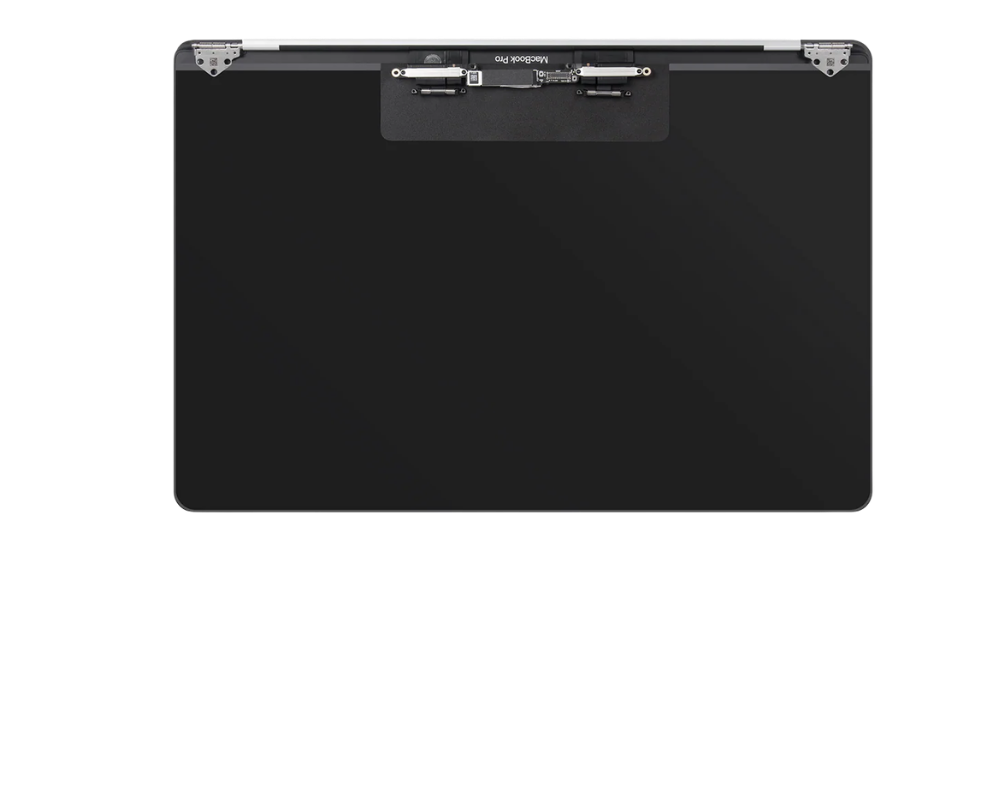
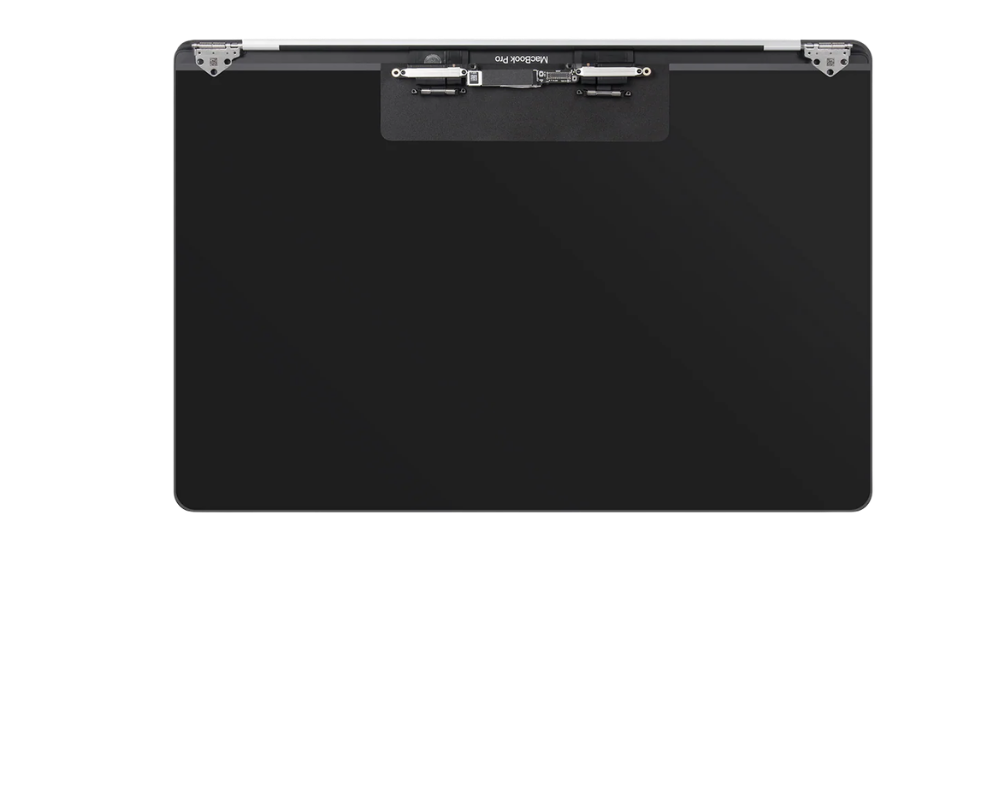
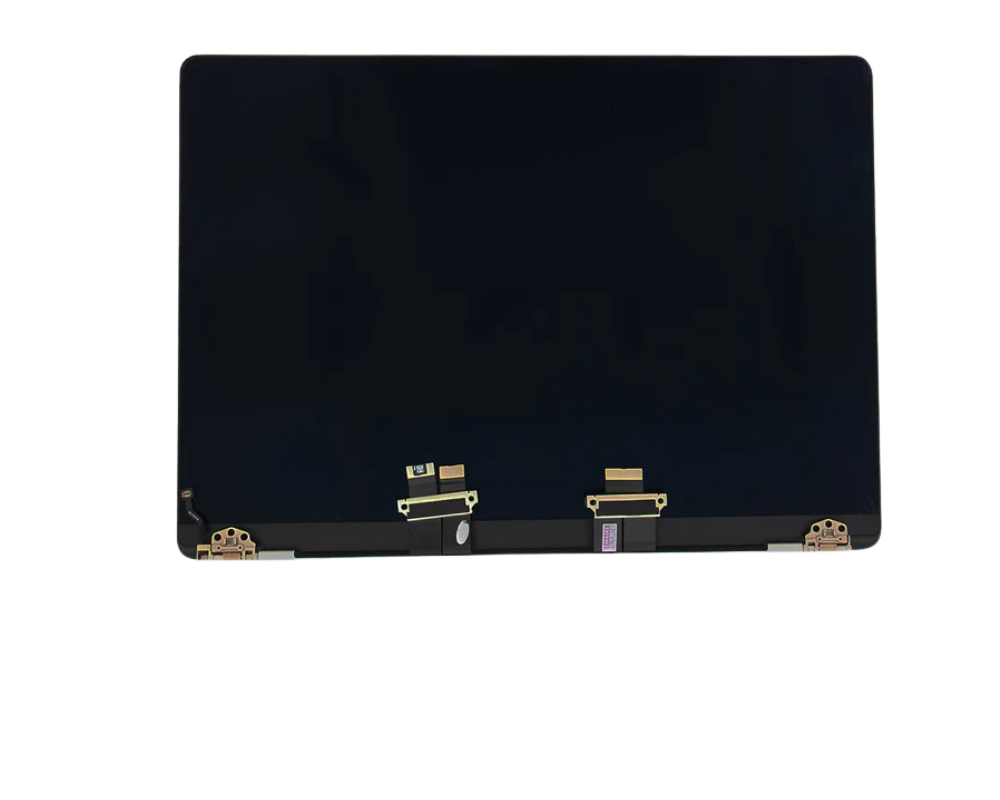
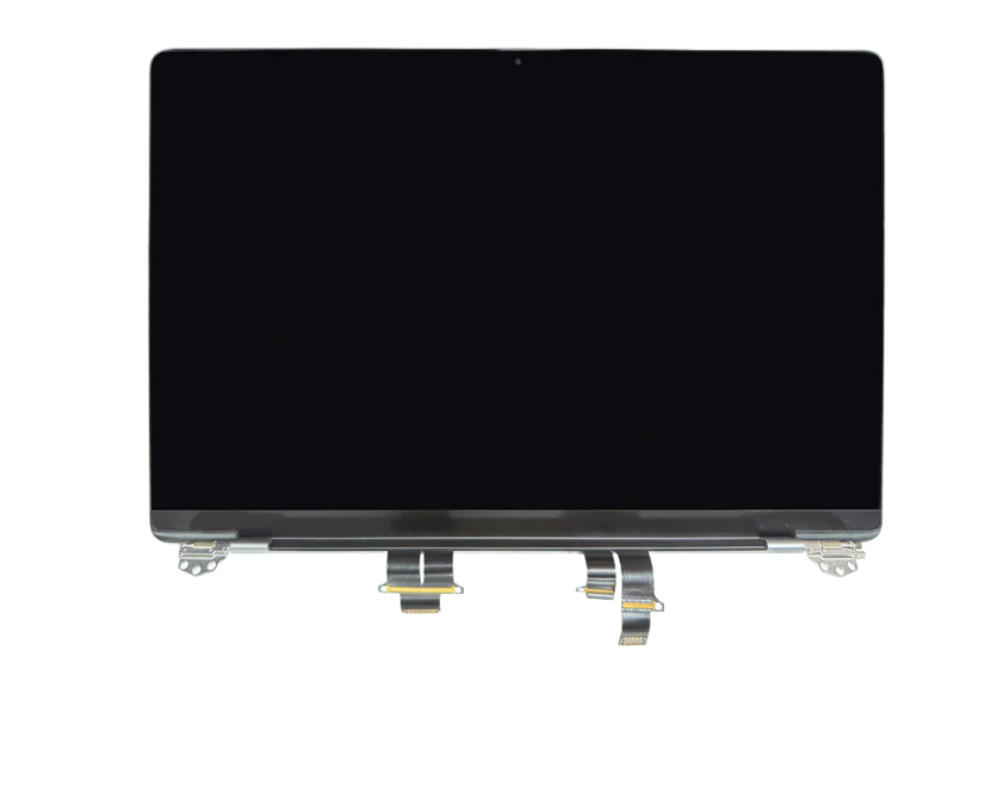
Apple MacBook Pro Retina 2017

Apple MacBook Pro Retina 2017 - Screen is backordered and will ship as soon as it is back in stock.
Product comparison grid
Add content here to explain a bit about the range of products on offer and which ones may be most suitable for your customers.
| Facet | |||||
|---|---|---|---|---|---|
| By | |||||
| By | Apple | Apple | Samsung | Apple | Apple |
| Price | |||||
| Price |
Regular priceFrom
€1.499,00
Unit price
|
Sale price
€380,00
Regular price
€399,00
Unit price
|
Regular priceFrom
€20,00
Unit price
|
Regular priceFrom
€149,00
Unit price
|
Regular priceFrom
€229,00
Unit price
|


Apple MacBook Pro Retina 2017 Repair
Screen, Battery and Software Specialist
Screen Repair Battery Replacement Charger Repair Camera Repair Water Damage Repair Back Cover Repair CONTACT
Is your Apple MacBook Pro Retina 2017 damaged or not working as it should? At Telefoonstar Ede, we offer fast, reliable, and expert repairs for your MacBook. Whether it's a screen issue, a fast-draining battery, charging problems, or a damaged casing — we ensure your MacBook functions optimally again.
With our years of experience and professional equipment, we repair your MacBook with utmost precision. We use high-quality parts and ensure a durable and clean end result.
Apple MacBook Pro Retina 2017 Specifications
The Apple MacBook Pro Retina 2017 is one of the most advanced MacBooks available today, featuring powerful hardware and innovative technology:
Available Models (2017)
- MacBook Pro 13-inch A1708 (without Touch Bar)
- MacBook Pro 13-inch A1706 (with Touch Bar)
- MacBook Pro 15-inch A1707 (with Touch Bar)
General Specifications
- Screen: Retina display with IPS technology
- 13-inch Resolution: 2560 x 1600 pixels
- 15-inch Resolution: 2880 x 1800 pixels
- Brightness: Up to 500 nits
- Processor: Intel Core i5 or Intel Core i7 (7th generation Kaby Lake)
- CPU: Dual-core (13-inch) or Quad-core (15-inch)
- RAM: 8GB or 16GB LPDDR3 RAM
- Storage: SSD storage from 128GB to 2TB
-
Graphics Card:Operating System: Shipped with macOS High Sierra, supports newer macOS versions
- Intel Iris Plus Graphics 640 / 650
- Radeon Pro 555 / 560 (15-inch models)
- Battery Life: Up to about 10 hours wireless use
- Camera: 720p FaceTime HD camera
- Wireless Connectivity: Wi-Fi 802.11ac and Bluetooth 4.2
- Casing: Aluminum unibody design
- Colors: Space Gray and Silver
- Trackpad: Large Force Touch trackpad
- Charging: USB-C charging supported
Connections
- 2x or 4x Thunderbolt 3 (USB-C) ports
- 3.5 mm audio jack
Due to this advanced technology, professional repair is essential to maintain quality and performance.
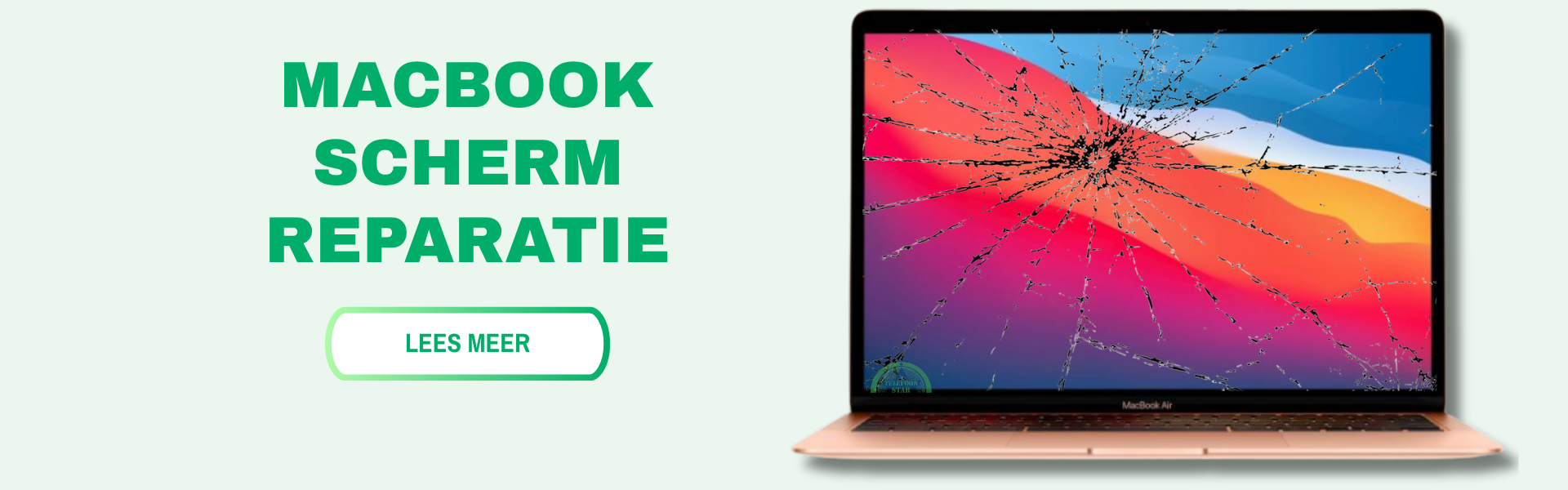
Professional Apple MacBook Pro Retina 2017 Screen Repair at Telefoonstar Ede
At Telefoonstar Ede, you've come to the right place for a professional screen repair for your Apple MacBook Pro Retina 2017. With years of experience in laptop repairs, we offer reliable service and craftsmanship you can trust.
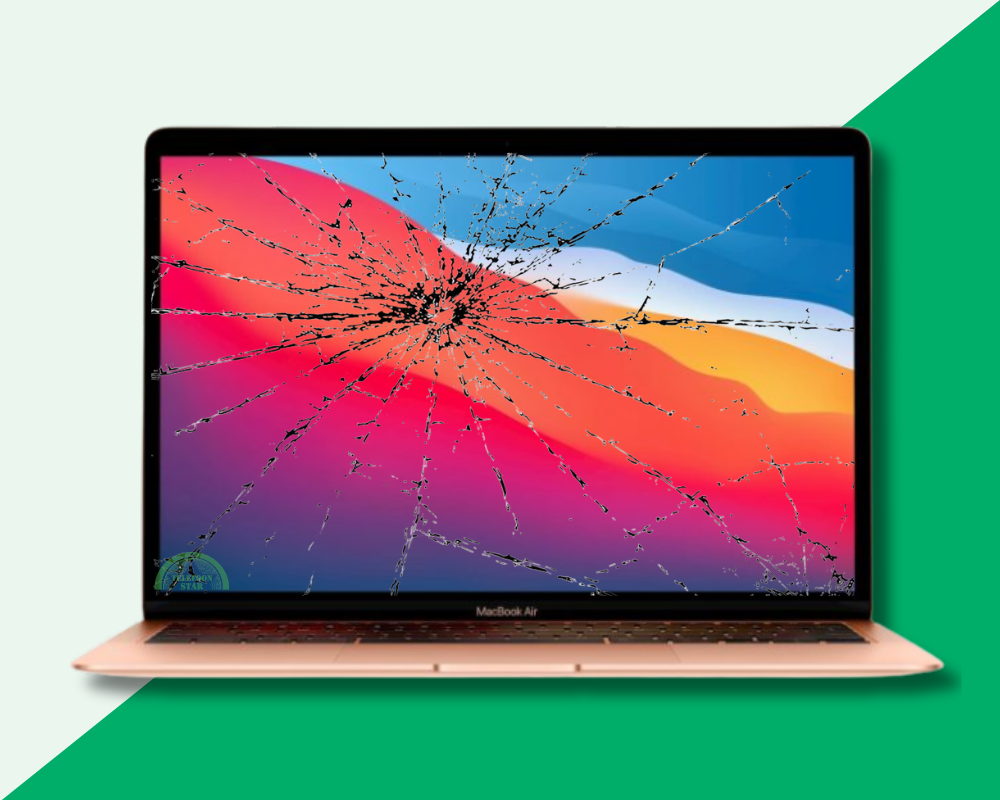
A cracked screen or unresponsive touchscreen can severely hinder your MacBook's usability. We replace the entire screen, so your laptop will once again have a clear display and a smooth touch experience.
At Telefoonstar, we use high-quality parts to ensure your MacBook's quality is maintained. You benefit from a fast repair at a fair price.
Our screen repair is ideal for anyone who:
- Wants a perfectly working screen again quickly
- Doesn't want to risk further damage
- Values quality and reliability
FAQs about Apple MacBook Pro Retina 2017 Screen Repair
Apple MacBook Pro Retina 2017 Battery Replacement
At Telefoonstar Ede, you can get a professional battery replacement for your Apple MacBook Pro Retina 2017. A worn-out battery can cause your MacBook to drain quickly, respond slowly, or shut down unexpectedly.
Our specialists install a new, high-quality battery, so your MacBook performs optimally again, and you can use your MacBook all day long without worries.
With our experience and the use of quality parts, you are assured of a reliable and durable solution at a competitive price.
When is battery replacement necessary?
- Battery drains quickly
- MacBook shuts down suddenly
- MacBook charges slowly or irregularly
- Battery overheats quickly
FAQs about Apple MacBook Pro Retina 2017 Battery Repair

Apple MacBook Pro Retina 2017 Software Recovery
Is your Apple MacBook Pro Retina 2017 suffering from software problems? Does the laptop not boot properly, get stuck on the Apple logo, is macOS slow, or do you get error messages during startup? At Telefoonstar, we quickly help you with professional software recovery for the Apple MacBook Pro Retina 2017. Our specialists safely resolve software issues so your MacBook works smoothly again.
Software problems can have various causes, such as a failed update, corrupted files, viruses, full storage, incorrect settings, or system crashes. Fortunately, many of these issues can be resolved without expensive component replacement.
When do you need software recovery?
- The MacBook gets stuck on the Apple logo
- macOS no longer boots
- Black screen or flickering screen on startup
- The MacBook is extremely slow without clear reason
- Apps crash constantly
- Problems after a macOS update
- Spinning wheel keeps constantly spinning
- Wi-Fi, Bluetooth, or sound no longer work properly
- Login issues or forgotten password
- “Kernel panic” error messages
- The MacBook keeps restarting by itself
- File system or disk errors
- Virus, malware, or unwanted software present
- iCloud or Apple ID synchronization issues
- Finder no longer responds
What can software recovery include?
- Reinstall macOS
- Software reset and system cleanup
- PRAM/NVRAM reset
- SMC reset
- Recovery via macOS Recovery
- Restore Time Machine backup
- Troubleshoot startup issues
- Secure data
- Disk check and repair via Disk Utility
- Removal of corrupt files or malware
FAQs about Apple MacBook Pro Retina 2017 Software Problems Repair
Why won't my Apple MacBook Pro Retina 2017 start up anymore?
Charging Port Replacement Apple MacBook Pro Retina 2017
Is your Apple MacBook Pro Retina 2017 having trouble charging or is the cable no longer responding properly? At Telefoonstar Ede, we offer a fast and professional charging port replacement, so your MacBook charges flawlessly again.
A defective charging port can cause your MacBook to only charge in a certain position, not charge at all, or make a poor connection with the cable. This problem often arises due to wear and tear, dust buildup, or damage to the connector.
What do we do during a charging port replacement?
Our experienced technicians provide:
- Thorough inspection and diagnosis of the problem
- Professional cleaning of the charging port
- Complete replacement of the charging port if necessary
- Extensive testing after repair for optimal functionality
We use high-quality parts and ensure precise assembly, so your MacBook charges reliably again.
FAQs Charging Port Apple MacBook Pro Retina 2017
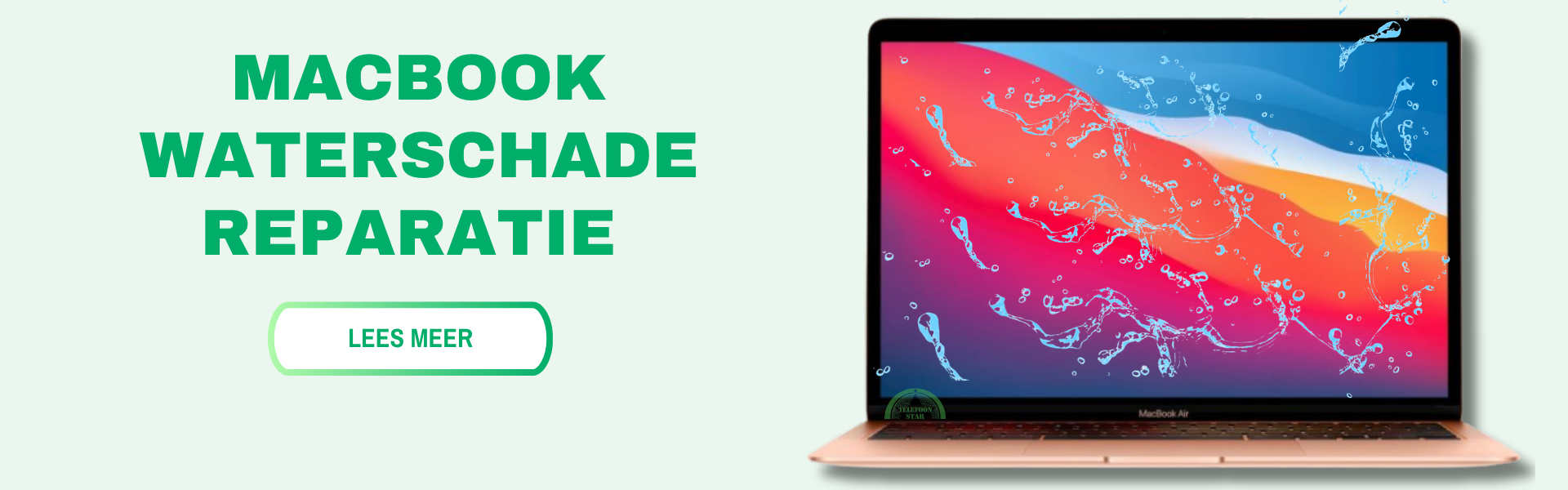
Water Damage Repair Apple MacBook Pro Retina 2017
Has your Apple MacBook Pro Retina 2017 come into contact with water or moisture? At Telefoonstar Ede, we offer professional and thorough water damage repair, aiming to restore your MacBook as best as possible. Water damage can have serious consequences for your MacBook. Even if your MacBook still seems to be working, moisture can affect internal components and cause bigger problems later. Therefore, it is important to act quickly.
Our water damage service is ideal for anyone who:
- Complete diagnosis of the MacBook
- Professional cleaning of internal components
- Removal of corrosion and moisture residue
- Checking and, if necessary, replacing damaged parts
With our experience and specialized equipment, we increase the chance of a successful repair.
FAQs Water Damage Repair Apple MacBook Pro Retina 2017
Choosing an Apple MacBook Pro Retina 2017 repair at Telefoonstar
Telefoonstar is Ede's premier laptop and tablet repair shop. Is your laptop or tablet screen broken, damaged, or shattered? Then quickly visit Telefoonstar repair shop in Ede! We have been specializing in MacBook and tablet repairs for over twenty years. This means we repair your MacBook within 30 minutes, and you receive a 3-month warranty on the repair. This applies to many brands such as Apple, Samsung, Sony, Huawei, HTC, LG, Motorola, Nokia, OnePlus, Alcatel, Wiko, Xiaomi, and CAT. Additionally, we work with original parts, making your MacBook as good as new after repair. These parts are of the best quality and therefore much more reliable than cheap alternatives. Repairs at Telefoonstar are characterized by our four pillars:
Free Diagnosis
Every repair at Telefoonstar begins with a free diagnosis, where we look for the origin of the problem. This allows our specialists to choose the best repair path to achieve the best result. These problem analyses are particularly useful when the problem with your phone is unclear. Once the diagnosis is complete, the employee will present all your options, and the specialists will get to work if you choose to proceed.
Expert service
Whether you have screen damage, water damage, or a failing battery, Telefoonstar is adept at all types of repairs! Our specialists stay up-to-date with all new technological developments and new phones. It doesn't matter what brand you have. Whether it's Apple, Samsung, Sony, Huawei, Acer, Alcatel, Blackberry, HTC, LG, Motorola, Nokia, OnePlus, Wiko, MI, or CAT, no MacBook is too new or too difficult for our professional technicians.
No Cure No Pay
We also offer a warranty period that starts after the repair. Should it happen that the repair was not performed or not performed correctly, you will, of course, not have to pay anything. This will always be investigated first by our technicians to prevent fraud.
Simplicity
You do not need to make an appointment for a repair. You can walk into the store at any desired moment and speak to our employees. You don't have to wait weeks for your MacBook repair; most repairs only take half an hour with us! Our repairs take place in our store and are often ready within a day. We strive to repair the MacBook as quickly as possible, but with the utmost care. So don't wait any longer and visit one of our branches.
Please note: The prices shown are only an indication. Displayed prices may or may not include installation costs, therefore the final repair may be more expensive or cheaper than the displayed prices. For exact prices, please contact us or visit the store.
Want to know more about our repairs?

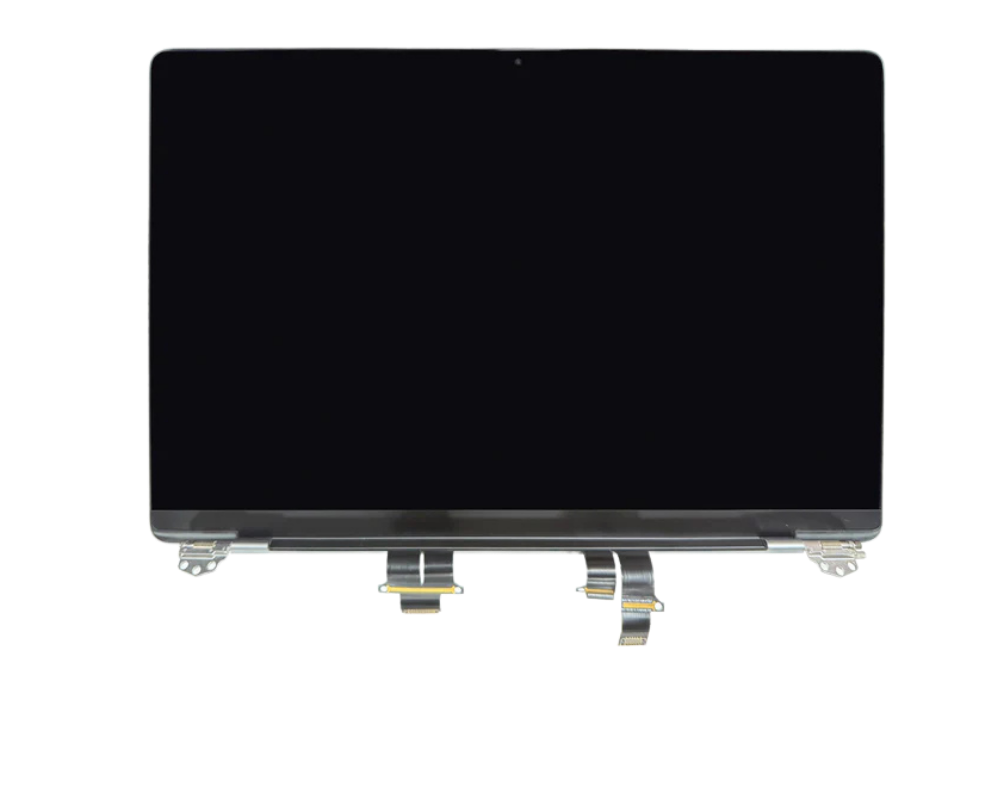
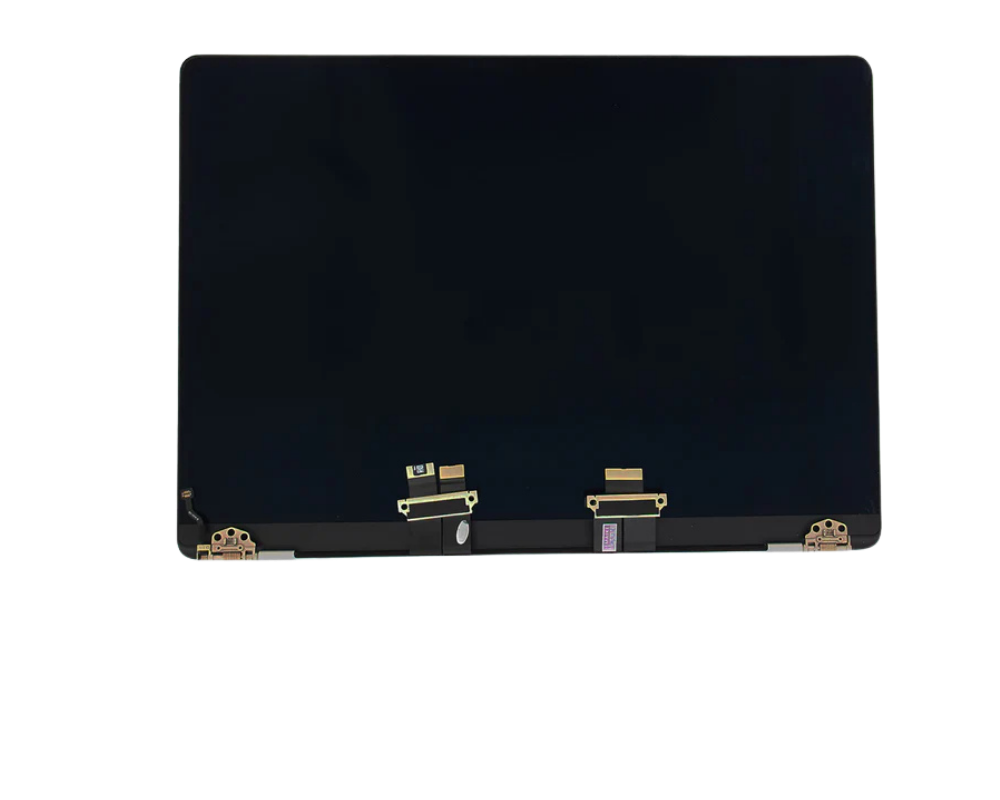
Different types of screens
Looking for the right screen for your Apple MacBook Pro Retina 2017? Discover the different screen types here, such as OLED, LCD, and Refurbished screens, and easily choose the best option based on quality, price, and use.
Description
Description
Apple MacBook Pro Retina 2017 Repair
Screen, Battery and Software Specialist
Screen Repair Battery Replacement Charger Repair Camera Repair Water Damage Repair Back Cover Repair CONTACT
Is your Apple MacBook Pro Retina 2017 damaged or not working as it should? At Telefoonstar Ede, we offer fast, reliable, and expert repairs for your MacBook. Whether it's a screen issue, a fast-draining battery, charging problems, or a damaged casing — we ensure your MacBook functions optimally again.
With our years of experience and professional equipment, we repair your MacBook with utmost precision. We use high-quality parts and ensure a durable and clean end result.
Apple MacBook Pro Retina 2017 Specifications
The Apple MacBook Pro Retina 2017 is one of the most advanced MacBooks available today, featuring powerful hardware and innovative technology:
Available Models (2017)
- MacBook Pro 13-inch A1708 (without Touch Bar)
- MacBook Pro 13-inch A1706 (with Touch Bar)
- MacBook Pro 15-inch A1707 (with Touch Bar)
General Specifications
- Screen: Retina display with IPS technology
- 13-inch Resolution: 2560 x 1600 pixels
- 15-inch Resolution: 2880 x 1800 pixels
- Brightness: Up to 500 nits
- Processor: Intel Core i5 or Intel Core i7 (7th generation Kaby Lake)
- CPU: Dual-core (13-inch) or Quad-core (15-inch)
- RAM: 8GB or 16GB LPDDR3 RAM
- Storage: SSD storage from 128GB to 2TB
-
Graphics Card:Operating System: Shipped with macOS High Sierra, supports newer macOS versions
- Intel Iris Plus Graphics 640 / 650
- Radeon Pro 555 / 560 (15-inch models)
- Battery Life: Up to about 10 hours wireless use
- Camera: 720p FaceTime HD camera
- Wireless Connectivity: Wi-Fi 802.11ac and Bluetooth 4.2
- Casing: Aluminum unibody design
- Colors: Space Gray and Silver
- Trackpad: Large Force Touch trackpad
- Charging: USB-C charging supported
Connections
- 2x or 4x Thunderbolt 3 (USB-C) ports
- 3.5 mm audio jack
Due to this advanced technology, professional repair is essential to maintain quality and performance.
Professional Apple MacBook Pro Retina 2017 Screen Repair at Telefoonstar Ede
At Telefoonstar Ede, you've come to the right place for a professional screen repair for your Apple MacBook Pro Retina 2017. With years of experience in laptop repairs, we offer reliable service and craftsmanship you can trust.
A cracked screen or unresponsive touchscreen can severely hinder your MacBook's usability. We replace the entire screen, so your laptop will once again have a clear display and a smooth touch experience.
At Telefoonstar, we use high-quality parts to ensure your MacBook's quality is maintained. You benefit from a fast repair at a fair price.
Our screen repair is ideal for anyone who:
- Wants a perfectly working screen again quickly
- Doesn't want to risk further damage
- Values quality and reliability
FAQs about Apple MacBook Pro Retina 2017 Screen Repair
Apple MacBook Pro Retina 2017 Battery Replacement
At Telefoonstar Ede, you can get a professional battery replacement for your Apple MacBook Pro Retina 2017. A worn-out battery can cause your MacBook to drain quickly, respond slowly, or shut down unexpectedly.
Our specialists install a new, high-quality battery, so your MacBook performs optimally again, and you can use your MacBook all day long without worries.
With our experience and the use of quality parts, you are assured of a reliable and durable solution at a competitive price.
When is battery replacement necessary?
- Battery drains quickly
- MacBook shuts down suddenly
- MacBook charges slowly or irregularly
- Battery overheats quickly
FAQs about Apple MacBook Pro Retina 2017 Battery Repair
Apple MacBook Pro Retina 2017 Software Recovery
Is your Apple MacBook Pro Retina 2017 suffering from software problems? Does the laptop not boot properly, get stuck on the Apple logo, is macOS slow, or do you get error messages during startup? At Telefoonstar, we quickly help you with professional software recovery for the Apple MacBook Pro Retina 2017. Our specialists safely resolve software issues so your MacBook works smoothly again.
Software problems can have various causes, such as a failed update, corrupted files, viruses, full storage, incorrect settings, or system crashes. Fortunately, many of these issues can be resolved without expensive component replacement.
When do you need software recovery?
- The MacBook gets stuck on the Apple logo
- macOS no longer boots
- Black screen or flickering screen on startup
- The MacBook is extremely slow without clear reason
- Apps crash constantly
- Problems after a macOS update
- Spinning wheel keeps constantly spinning
- Wi-Fi, Bluetooth, or sound no longer work properly
- Login issues or forgotten password
- “Kernel panic” error messages
- The MacBook keeps restarting by itself
- File system or disk errors
- Virus, malware, or unwanted software present
- iCloud or Apple ID synchronization issues
- Finder no longer responds
What can software recovery include?
- Reinstall macOS
- Software reset and system cleanup
- PRAM/NVRAM reset
- SMC reset
- Recovery via macOS Recovery
- Restore Time Machine backup
- Troubleshoot startup issues
- Secure data
- Disk check and repair via Disk Utility
- Removal of corrupt files or malware
FAQs about Apple MacBook Pro Retina 2017 Software Problems Repair
Why won't my Apple MacBook Pro Retina 2017 start up anymore?
Charging Port Replacement Apple MacBook Pro Retina 2017
Is your Apple MacBook Pro Retina 2017 having trouble charging or is the cable no longer responding properly? At Telefoonstar Ede, we offer a fast and professional charging port replacement, so your MacBook charges flawlessly again.
A defective charging port can cause your MacBook to only charge in a certain position, not charge at all, or make a poor connection with the cable. This problem often arises due to wear and tear, dust buildup, or damage to the connector.
What do we do during a charging port replacement?
Our experienced technicians provide:
- Thorough inspection and diagnosis of the problem
- Professional cleaning of the charging port
- Complete replacement of the charging port if necessary
- Extensive testing after repair for optimal functionality
We use high-quality parts and ensure precise assembly, so your MacBook charges reliably again.
FAQs Charging Port Apple MacBook Pro Retina 2017
Water Damage Repair Apple MacBook Pro Retina 2017
Has your Apple MacBook Pro Retina 2017 come into contact with water or moisture? At Telefoonstar Ede, we offer professional and thorough water damage repair, aiming to restore your MacBook as best as possible. Water damage can have serious consequences for your MacBook. Even if your MacBook still seems to be working, moisture can affect internal components and cause bigger problems later. Therefore, it is important to act quickly.
Our water damage service is ideal for anyone who:
- Complete diagnosis of the MacBook
- Professional cleaning of internal components
- Removal of corrosion and moisture residue
- Checking and, if necessary, replacing damaged parts
With our experience and specialized equipment, we increase the chance of a successful repair.
FAQs Water Damage Repair Apple MacBook Pro Retina 2017
Choosing an Apple MacBook Pro Retina 2017 repair at Telefoonstar
Telefoonstar is Ede's premier laptop and tablet repair shop. Is your laptop or tablet screen broken, damaged, or shattered? Then quickly visit Telefoonstar repair shop in Ede! We have been specializing in MacBook and tablet repairs for over twenty years. This means we repair your MacBook within 30 minutes, and you receive a 3-month warranty on the repair. This applies to many brands such as Apple, Samsung, Sony, Huawei, HTC, LG, Motorola, Nokia, OnePlus, Alcatel, Wiko, Xiaomi, and CAT. Additionally, we work with original parts, making your MacBook as good as new after repair. These parts are of the best quality and therefore much more reliable than cheap alternatives. Repairs at Telefoonstar are characterized by our four pillars:
Free Diagnosis
Every repair at Telefoonstar begins with a free diagnosis, where we look for the origin of the problem. This allows our specialists to choose the best repair path to achieve the best result. These problem analyses are particularly useful when the problem with your phone is unclear. Once the diagnosis is complete, the employee will present all your options, and the specialists will get to work if you choose to proceed.
Expert service
Whether you have screen damage, water damage, or a failing battery, Telefoonstar is adept at all types of repairs! Our specialists stay up-to-date with all new technological developments and new phones. It doesn't matter what brand you have. Whether it's Apple, Samsung, Sony, Huawei, Acer, Alcatel, Blackberry, HTC, LG, Motorola, Nokia, OnePlus, Wiko, MI, or CAT, no MacBook is too new or too difficult for our professional technicians.
No Cure No Pay
We also offer a warranty period that starts after the repair. Should it happen that the repair was not performed or not performed correctly, you will, of course, not have to pay anything. This will always be investigated first by our technicians to prevent fraud.
Simplicity
You do not need to make an appointment for a repair. You can walk into the store at any desired moment and speak to our employees. You don't have to wait weeks for your MacBook repair; most repairs only take half an hour with us! Our repairs take place in our store and are often ready within a day. We strive to repair the MacBook as quickly as possible, but with the utmost care. So don't wait any longer and visit one of our branches.
Please note: The prices shown are only an indication. Displayed prices may or may not include installation costs, therefore the final repair may be more expensive or cheaper than the displayed prices. For exact prices, please contact us or visit the store.
Want to know more about our repairs?
Different types of screens
Looking for the right screen for your Apple MacBook Pro Retina 2017? Discover the different screen types here, such as OLED, LCD, and Refurbished screens, and easily choose the best option based on quality, price, and use.
iDEAL Visa MastercardAmerican Express PayPal Apple PayGoogle Pay Klarna (if you offer this)


